Earplug Sound Test
How much sound do your earplugs reduce?
Do they sound natural (flat frequency response)?
How to test
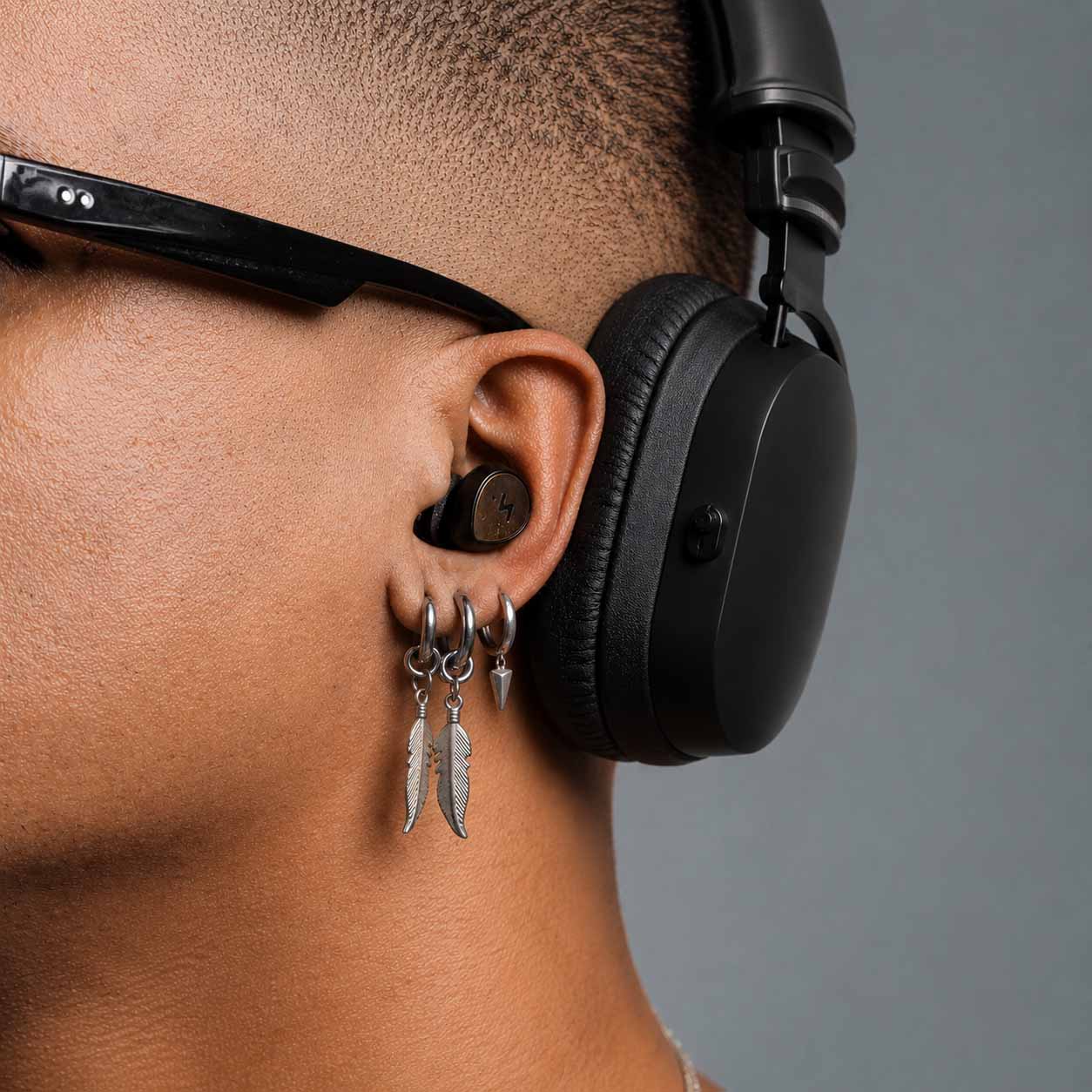
This test compares loudness between your open ear and the ear wearing an earplug, one frequency band at a time.
- Find a quiet place. Stay focused and run the test without earplugs first to check whether your left and right ear hear the bands similarly.
- Put the earplug you want to test in your right ear. Keep the left ear open for the normal test.
- Put on headphones. Place one cup over the ear with the earplug and one over the open ear. Follow the L/R marking on the headphones.
- Start the test. Adjust the noise up or down until the right-ear band seems as loud as the left-ear band, then move to the next frequency.
- Review the response and try the other ear. To compare sides, put the earplug in the left ear, reverse the headphone sides, and run the test again.
Tips
Use good closed headphones with wide frequency range and enough output level. You may need to play at maximum volume. If you hear distortion, try a headphone amplifier or different headphones; Beyerdynamic DT 770 Pro should work on a typical laptop.
Turn off active noise reduction, auto gain control, or similar processing if available, as it may disrupt the measurement.
Try to reset your mind for each frequency. When attenuation is high, the noise band may seem slightly shifted in frequency between ears; try to ignore that and judge loudness only. It can help to imagine an analog VU meter in your mind.
Loading audio files...
Results hidden until the final frequency is complete.
Get your results by email
After the final frequency, we can send you a formatted summary with your ratings and full frequency breakdown.
Your address is stored with this email request and used only to deliver these test results.
Complete the test to unlock email delivery.
EQ validation
After the test, play a mono music sample that alternates hard left and hard right every 2 seconds. EQ on applies your measured attenuation curve to the open left ear, while the right ear is attenuated by the earplug.
Music sample: Hypnotic ambient electronic music by MusicLM, public domain via Wikimedia Commons.
Complete the test to unlock validation playback.